7 Wix Studio Integrations Every Business Should Consider
Updated: Oct 1
Not every integration is worth building. These seven consistently save the most time or unlock the most revenue for businesses running on Wix Studio.
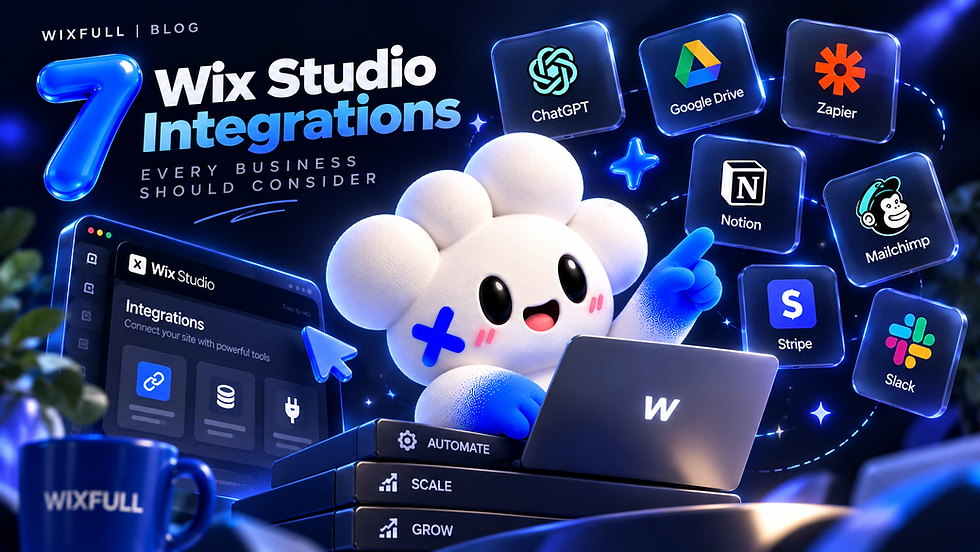
Wix Studio covers a lot out of the box, but most growing businesses eventually hit a wall where a native feature isn't quite enough — payments need to sync somewhere, leads need to land in a CRM, a form submission needs to trigger something automatically. That's where integrations come in. Here are seven that consistently deliver the most value, based on what we actually build for clients.
1. Stripe — for real payment flexibility
Wix has native payment options, but Stripe becomes worth it once you need something more specific — custom checkout flows, subscription logic, or payment data that needs to sync with other tools. If payments are core to how your business runs, this is usually the first integration worth doing properly.
2. HubSpot or Salesforce — for serious lead tracking
Once leads stop being something you can track in your head, they need a real CRM. Connecting your site's forms directly to HubSpot or Salesforce means every lead lands where your sales process actually happens — not buried in an inbox.
3. Mailchimp or Klaviyo — for email that doesn't rely on manual exports
If your site collects emails but you're manually exporting lists to your email tool, that's a sign this integration is overdue. A direct connection means new subscribers are ready to receive campaigns the moment they sign up.
4. Zapier or Make — for connecting everything else
Not every tool has a dedicated integration, and that's what automation platforms like Zapier and Make solve. They connect your site to almost any other tool you run, without needing a custom-built connection for each one.
5. Slack — for real-time internal alerts
For teams that want to know immediately when something happens on the site — a new order, a form submission, a booking — a Slack integration turns those events into instant notifications your team actually sees.
6. Google Sheets — for simple, shareable data
Not every workflow needs a full CRM. For smaller teams, syncing form submissions or orders directly to a Google Sheet is often the simplest way to keep data organized and shareable, without extra software.
7. Twilio — for SMS that actually gets opened
Email open rates keep dropping, and for time-sensitive updates — appointment reminders, order confirmations — SMS through Twilio often gets seen within minutes. Worth considering for any business where timing matters.
You don't need all seven — most businesses get real value from two or three, chosen around whatever's actually manual or broken in your current workflow right now. The right starting point is usually whichever one saves the most time.
Not sure which integration would help most? Tell us what you're running and we'll figure out the connection.


